You haven't signed in yet, you can have a better experience after signing in
*Please complete the payment within {{receiveCouponInfo.expire_at}}Previous use*
You haven't signed in yet, you can have a better experience after signing in



Activity Rules
1、Activity time:{{ info.groupon.start_at }} ~ {{ info.groupon.end_at }}。
1、Activity time:cease when sold out。
2、Validity period of the Group Buying:{{ info.groupon.expire_days * 24 }} hours。
3、Number of Group Buying:{{ info.groupon.need_count }}x。
Please Pay Attention
1、Teamwork process: Join/initiate a Group Buying and make a successful payment - Within the validity period, the number of team members meets the activity requirements - Group Buying succeeded!
2、If the number of participants cannot be met within the valid period, the group will fail, and the paid amount will be refunded in the original way.
3、The number of people required and the time of the event may vary among different products. Please pay attention to the rules of the event.
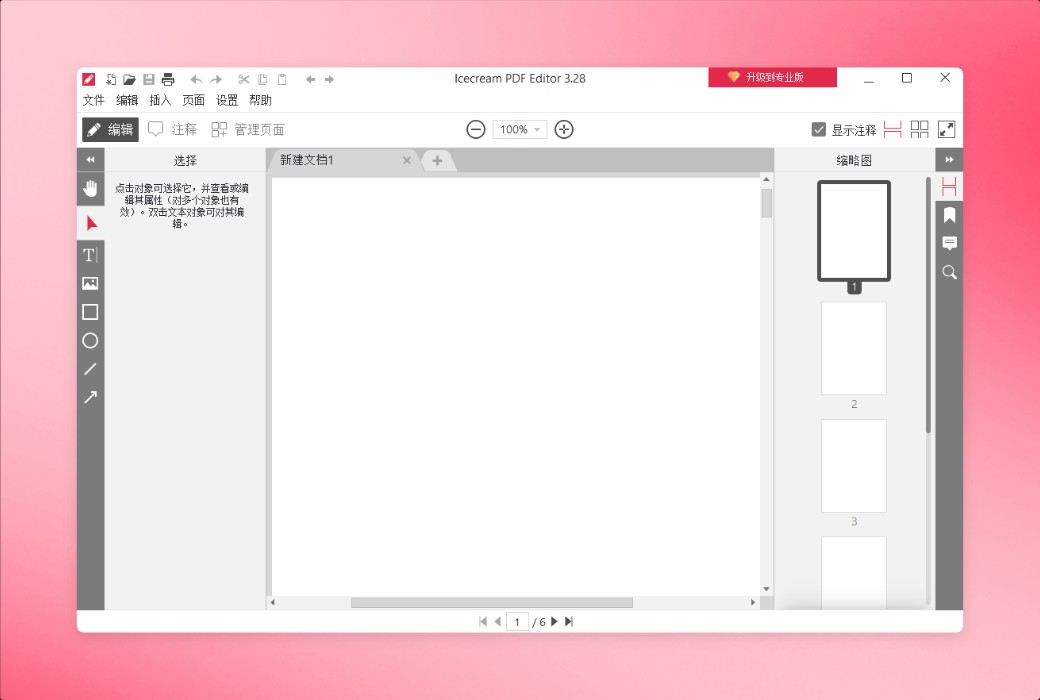
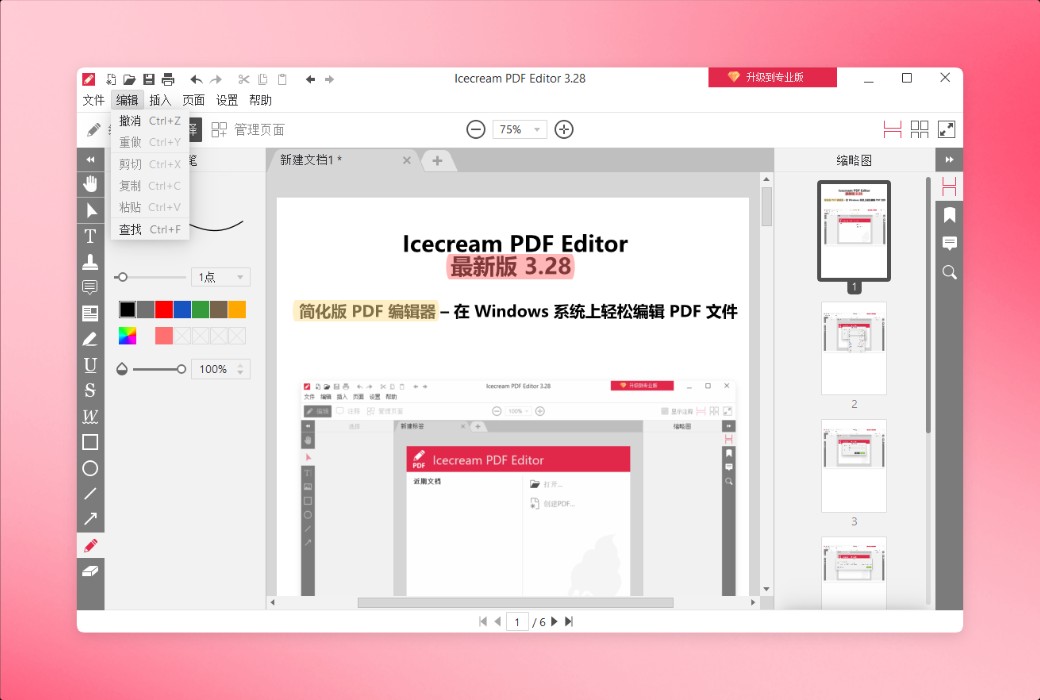
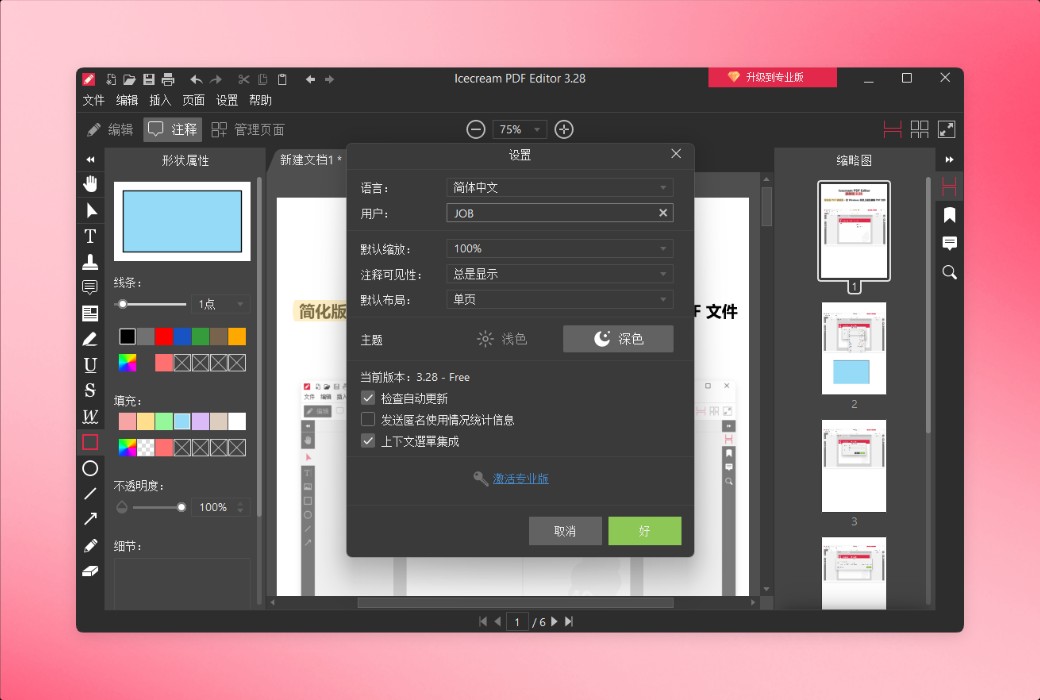
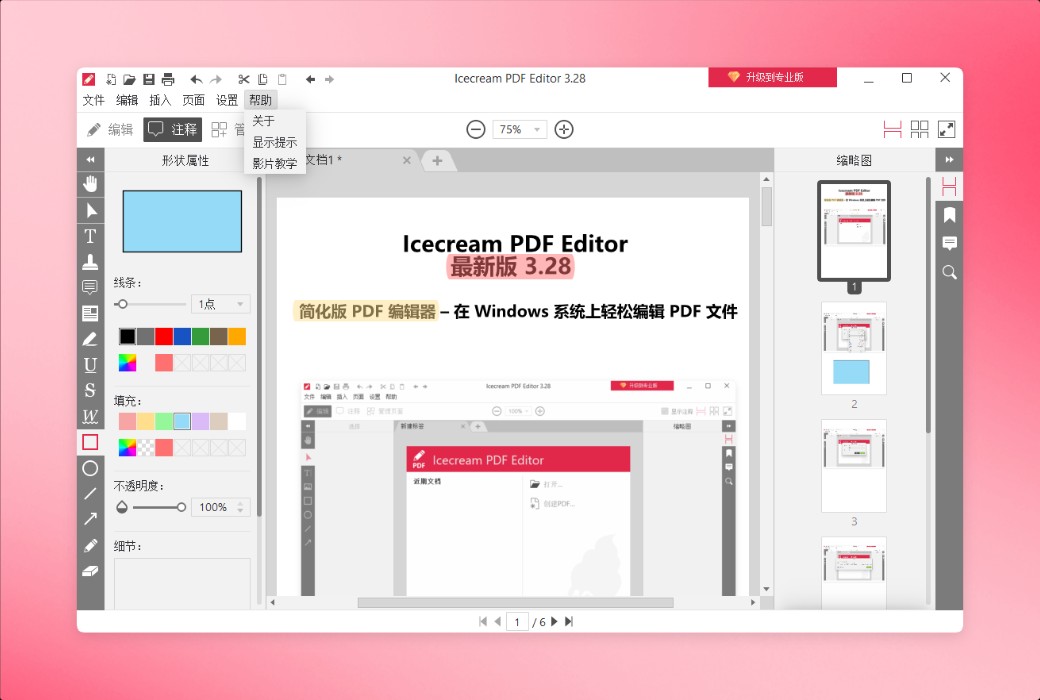
Simplified PDF Editor - Easily edit PDF files on Windows
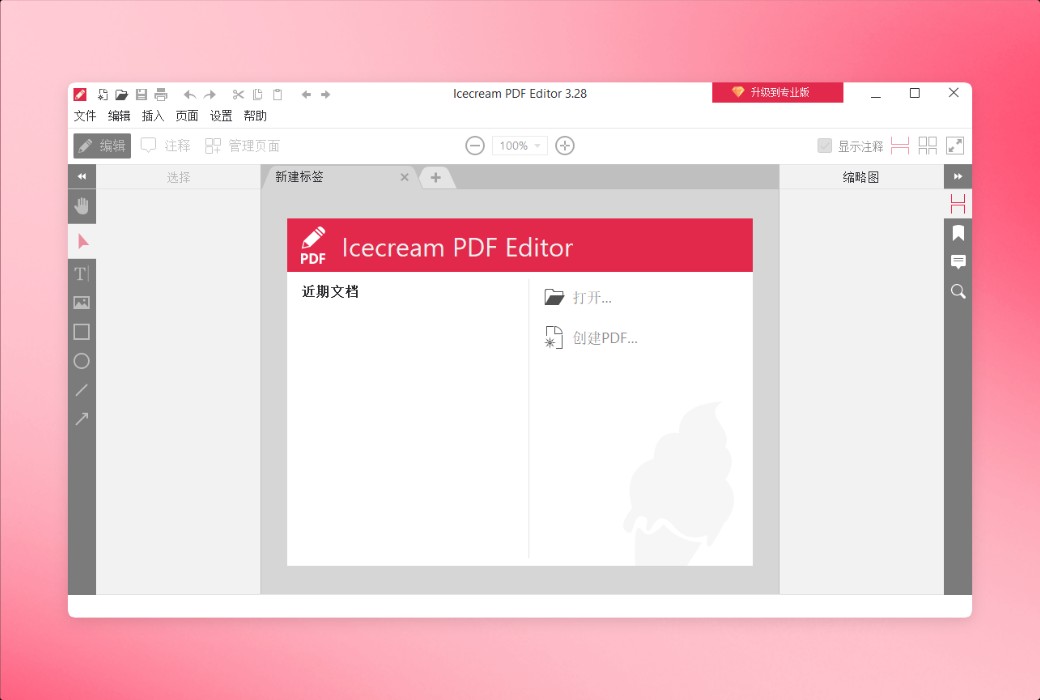
Download this easy-to-use PDF editing software for Windows. Easily view, create, edit, and manage your PDF files. Edit text, images, and metadata, add annotations, manage pages, merge PDF files, and more.
Main functions
Explore the best integrated PDF editing suite from Icecream Apps to accurately edit your documents.
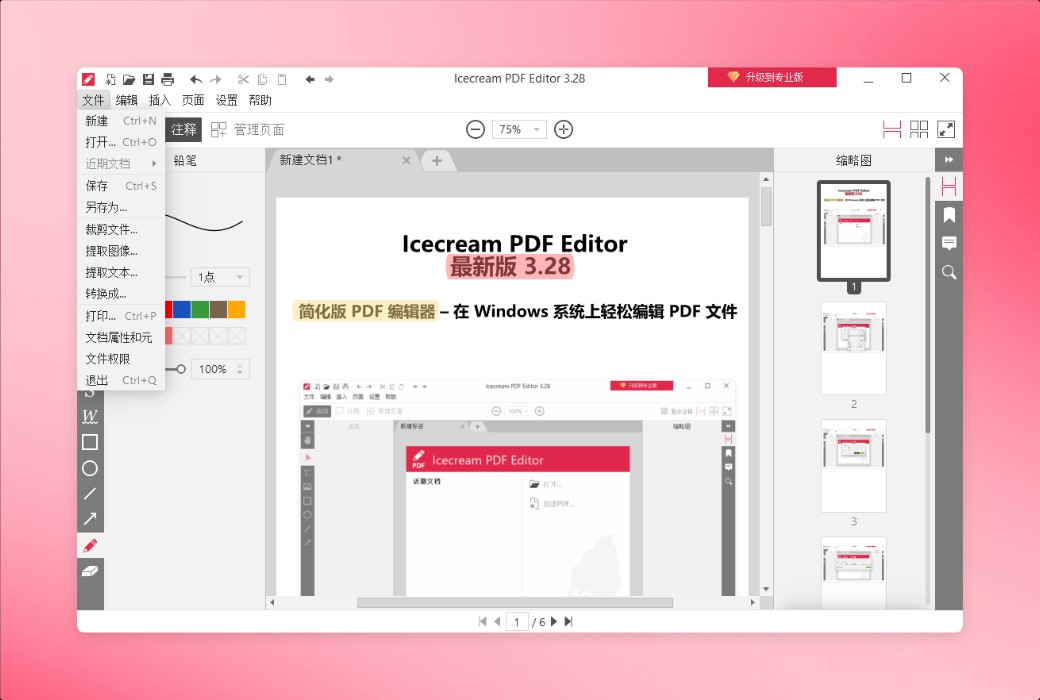
Use Icecream PDF Editor as a PDF reader every day and edit or annotate documents as needed. Its intuitive interface provides users with a range of powerful tools.
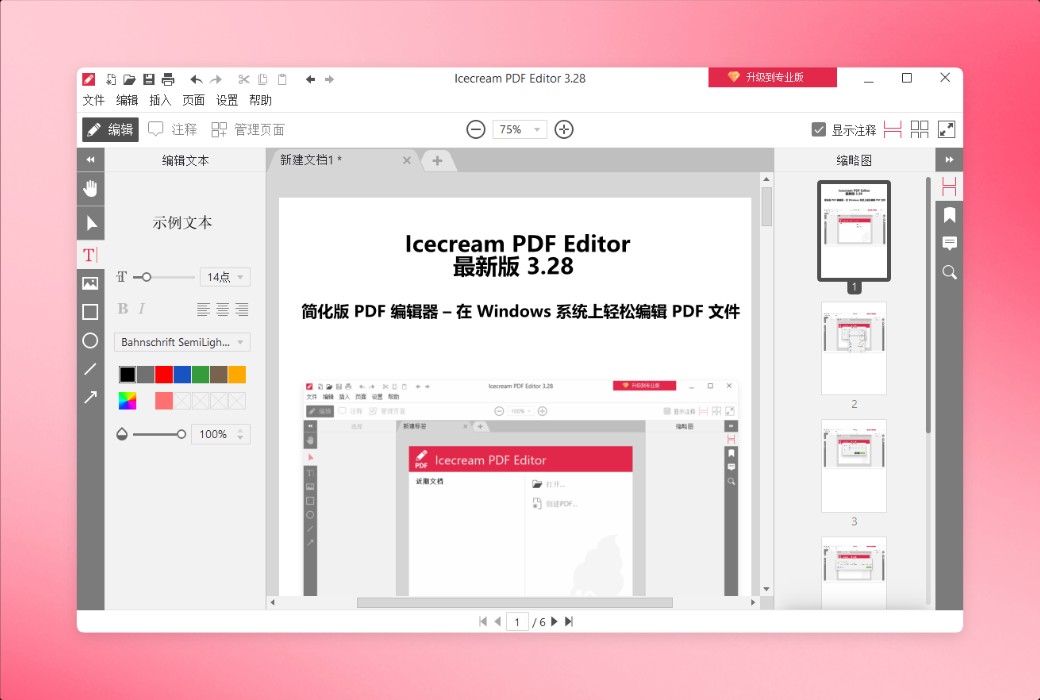
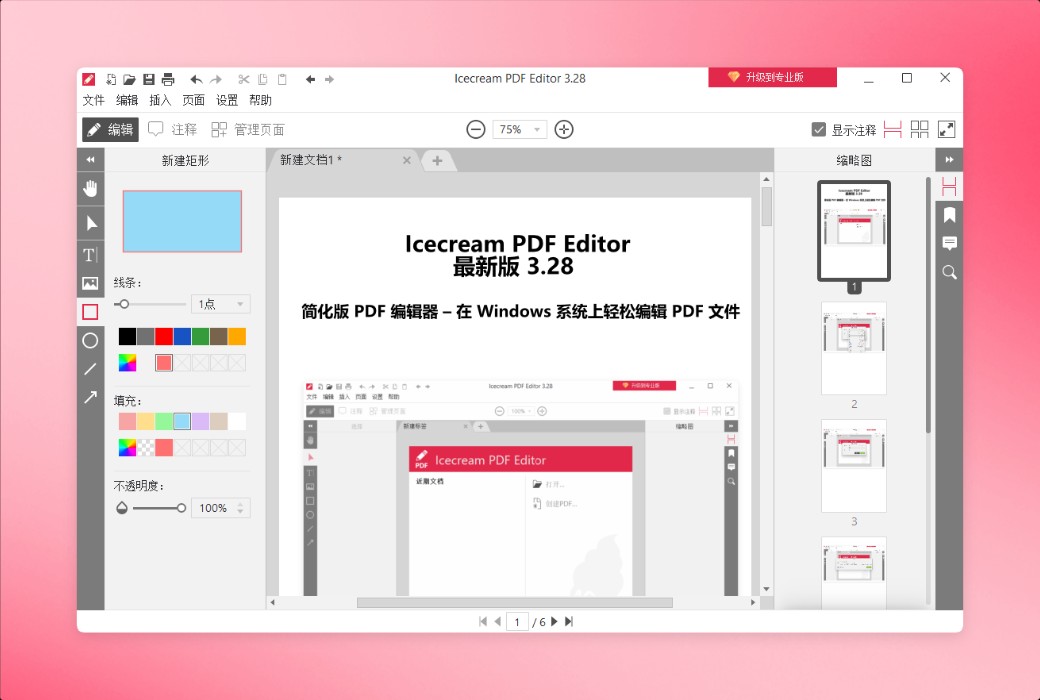
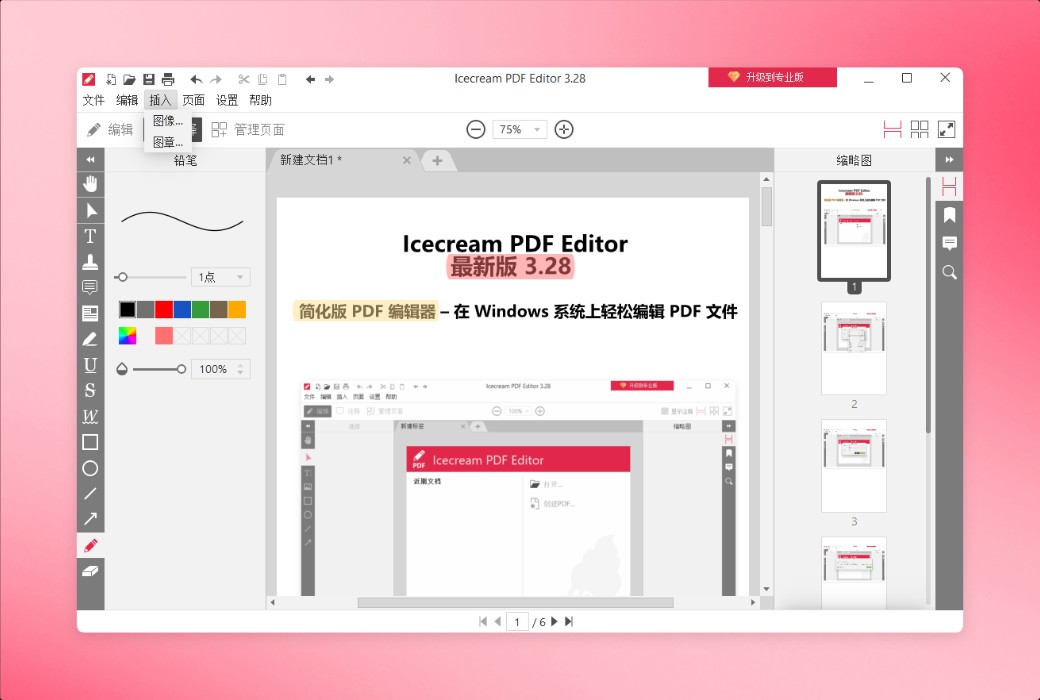
Perfectly edit all commonly used PDF objects, including text, images, and shapes. Change content or style, adjust position, size, rotate, and delete objects.
Icecream PDF Editor offers four main PDF editing modes: editing PDFs, adding annotations, managing pages, and filling out forms. Each mode provides a specific set of tools.
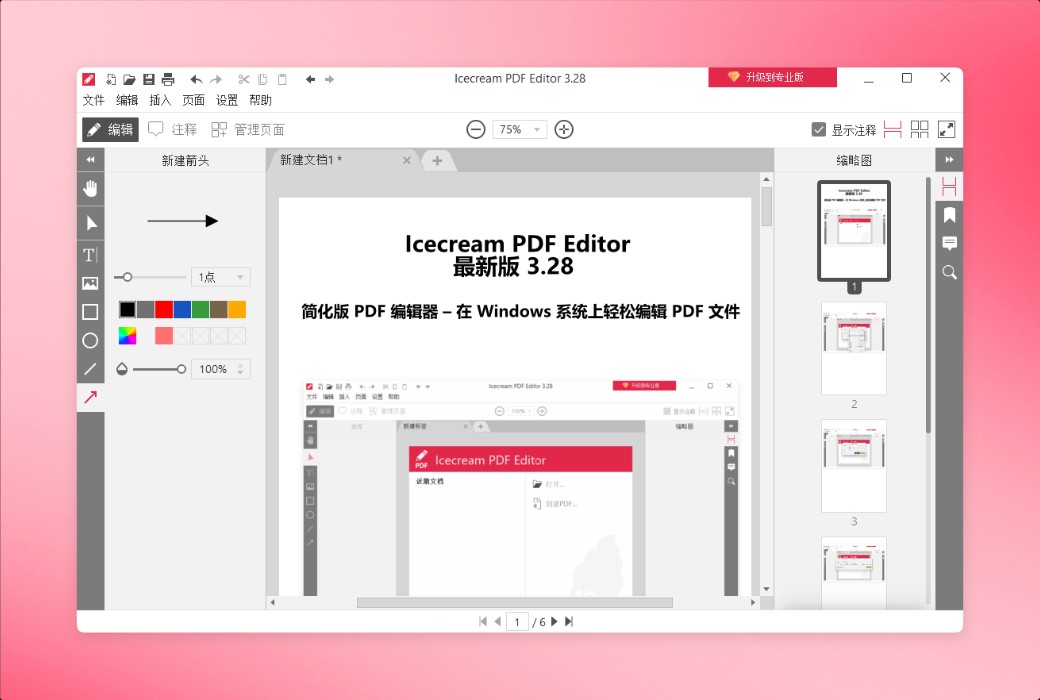
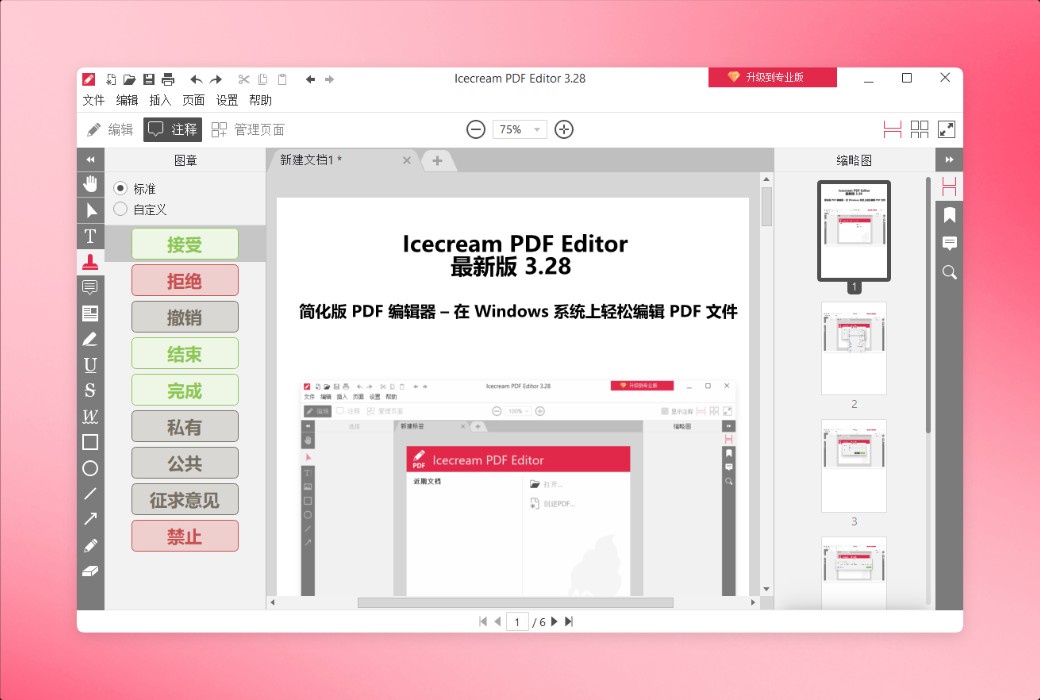
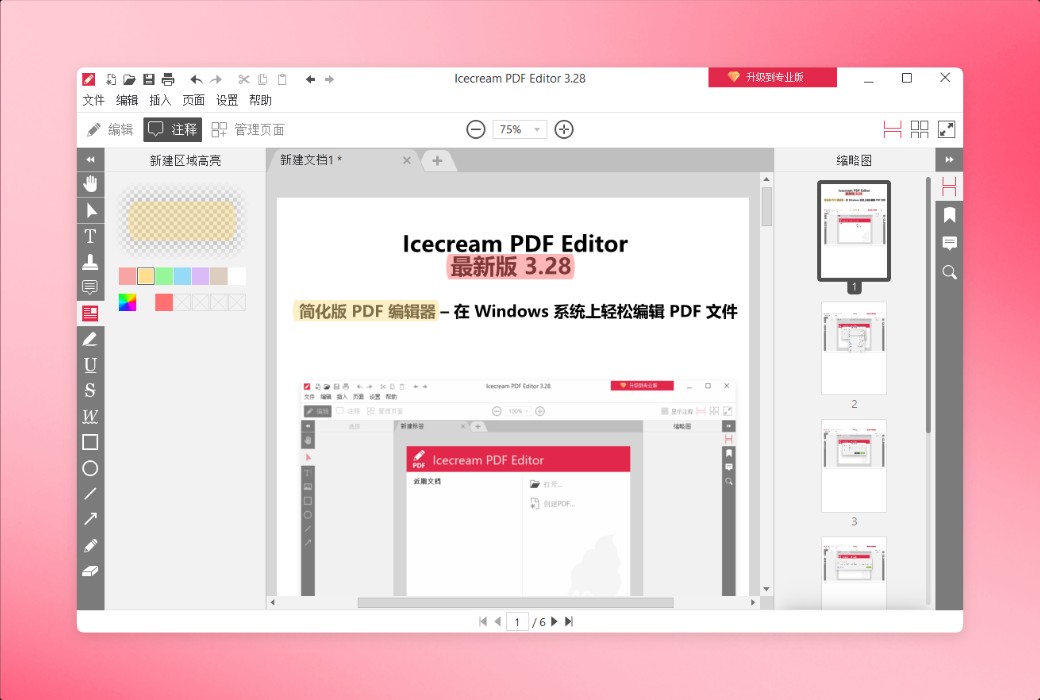
Add comments, stamps, arrows, lines, and shapes, remove lines, underline, and highlight PDF text, freely draw, erase changes, and more.
The free version of Icecream PDF Editor provides most of the main features, but there are some limitations. You can view the complete list of professional version features on the upgrade page.
Features
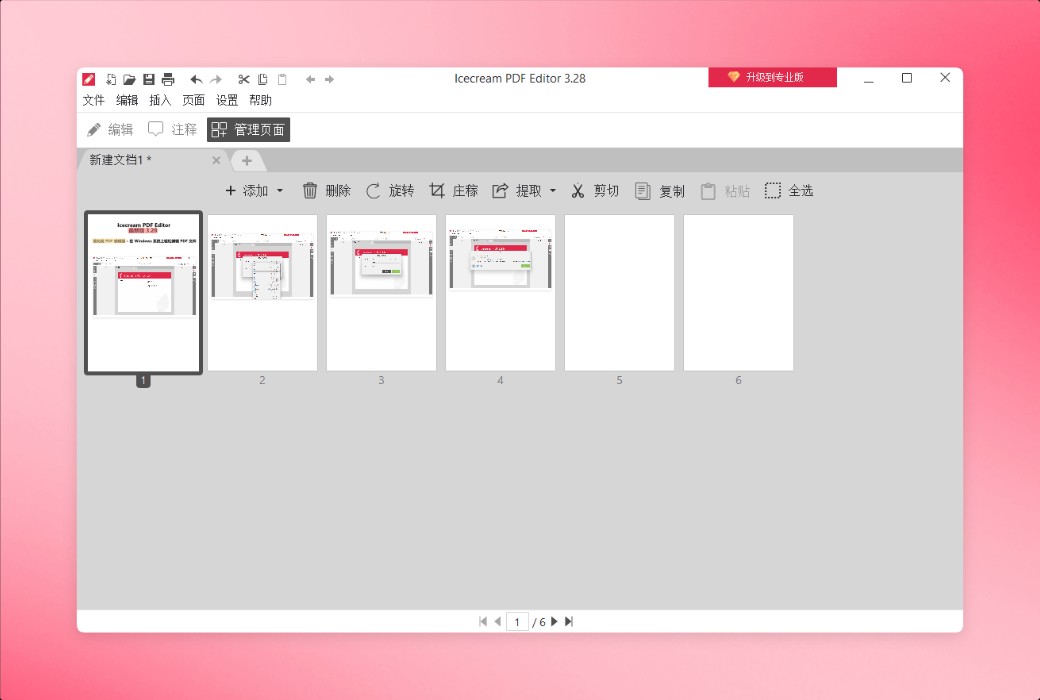
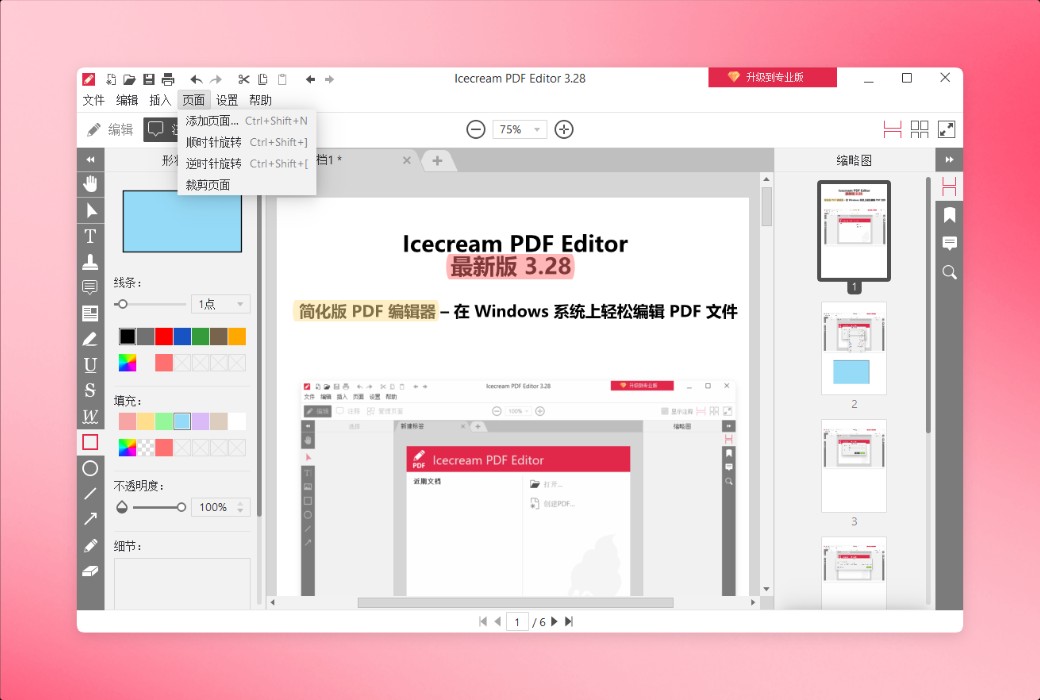
In the "Management Page" mode, you can rearrange, rotate, delete, and add new pages. You can also extract the selected pages into a separate PDF file.
Use Icecream PDF Editor to view and modify document titles, themes, authors, and other information.
Merge multiple PDF files into one document in "Edit PDF" or "Manage Pages" mode.
Add passwords to documents containing sensitive data or lock PDF files to prevent unauthorized editing.
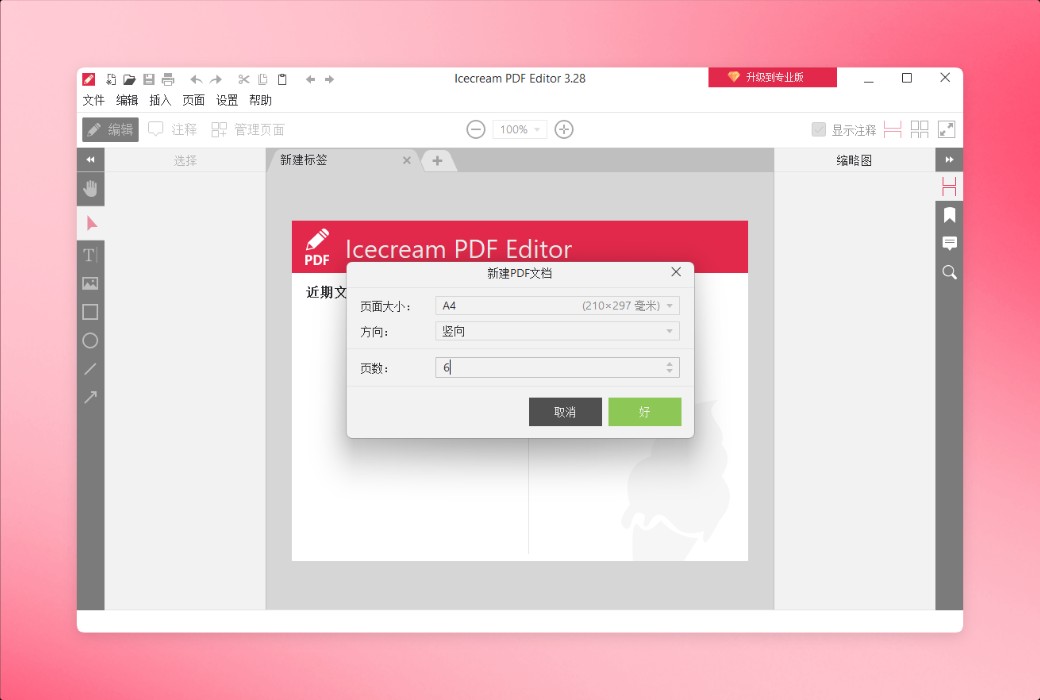
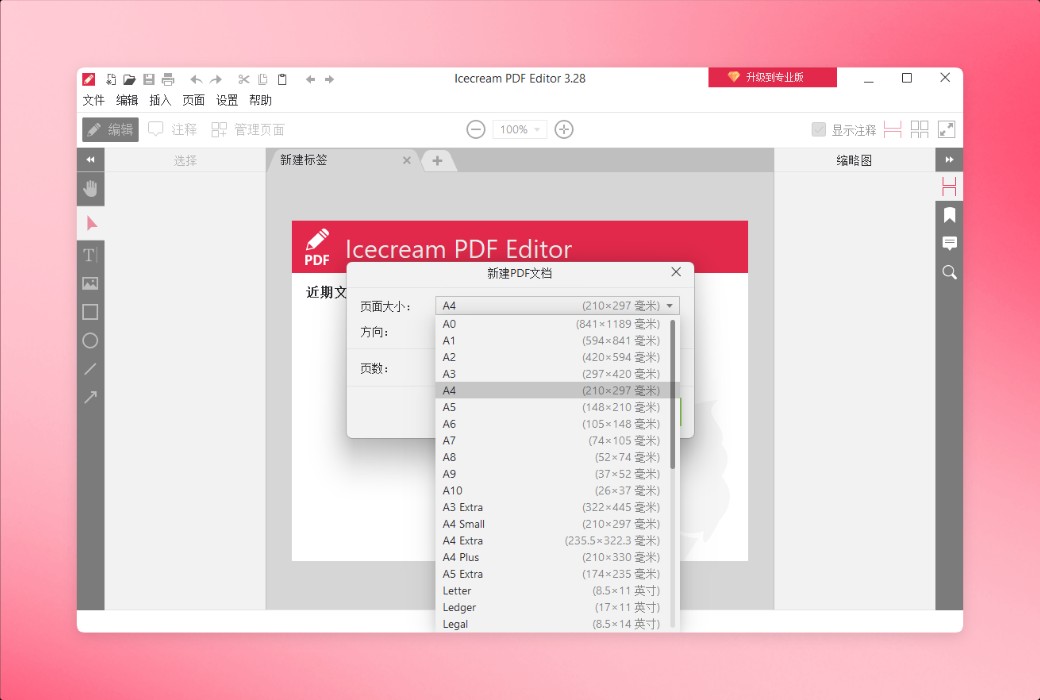
Easily create new PDF files from scratch using Icecream PDF Editor PC version. Set the desired page size and orientation.
Quickly search for lengthy PDF files before editing. Icecream PDF Editor will search and highlight the specified text in the document.
With just a few clicks, you can crop individual pages or the entire document, removing unnecessary content.
Easily convert PDF pages into images, or seamlessly integrate images into documents as new pages. Our PDF editor supports multiple output formats, including JPG and PNG.
Extract PDF file content as plain text without the need for manual copy and paste.
Save all images in the document in the desired format. Icecream PDF Editor supports JPG, JPEG, PNG, WebP, TIFF, and BMP formats.
Official website:https://icecreamapps.com/PDF-Editor/
Download Center:https://icecream-pdf-editor.apsgo.cn
Delivery time:Manually process shipments online
Operating Platform:Windows
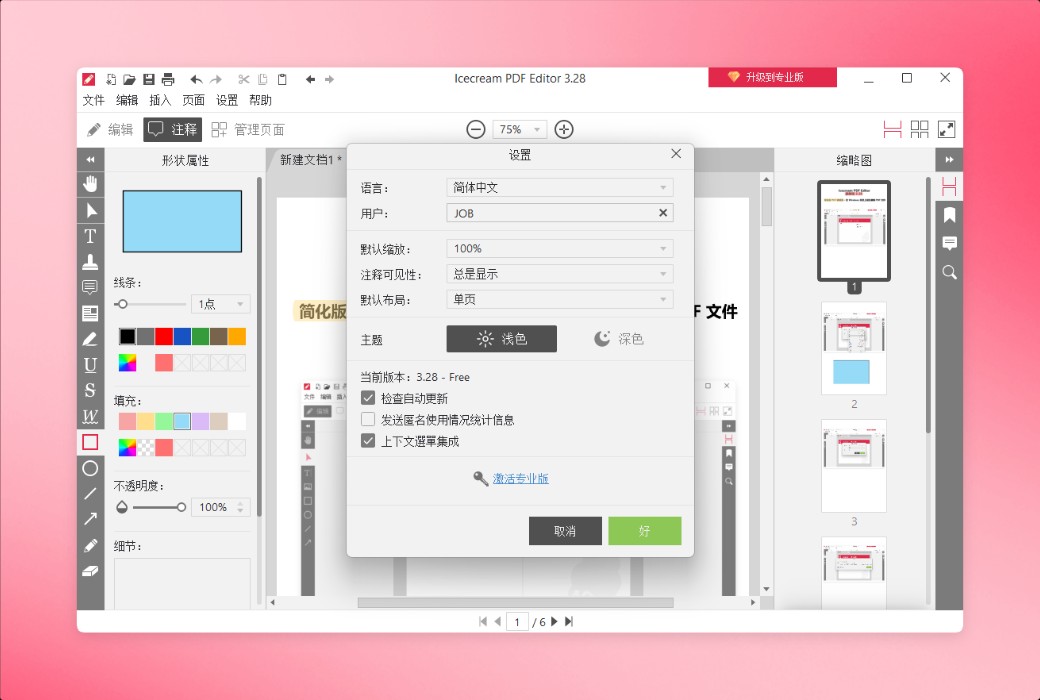
Interface language:Supports Chinese interface display and multiple language options.
Update Description:Use and update during the subscription period.
Trial before purchase:Free trial is available before purchase.
How to receive goods:After purchase, the activation information will be sent to the email address at the time of placing the order, and the corresponding product activation code can be viewed in the personal center, My Orders.
Number of devices:Can install one computer.
Replace computer:Need to contact the official for manual transfer.
Activation guidance:To be added.
Special note:To be added.
reference material:https://icecreamapps.com/PDF-Editor/

Any question