ABBYY
CodeExpander
TreeSize
Sticky Password
GoodSync
MathType
ABBYY
Lịch sử tìm kiếm
Bạn chưa đăng nhập, đăng nhập để có trải nghiệm tốt hơn
*Vui lòng tại{{receiveCouponInfo.expire_at}}sử dụng trước*
Bạn chưa đăng nhập, đăng nhập để có trải nghiệm tốt hơn
 Icecream PDF Editor Phần mềm đọc công cụ chỉnh sửa PDF chuyên nghiệp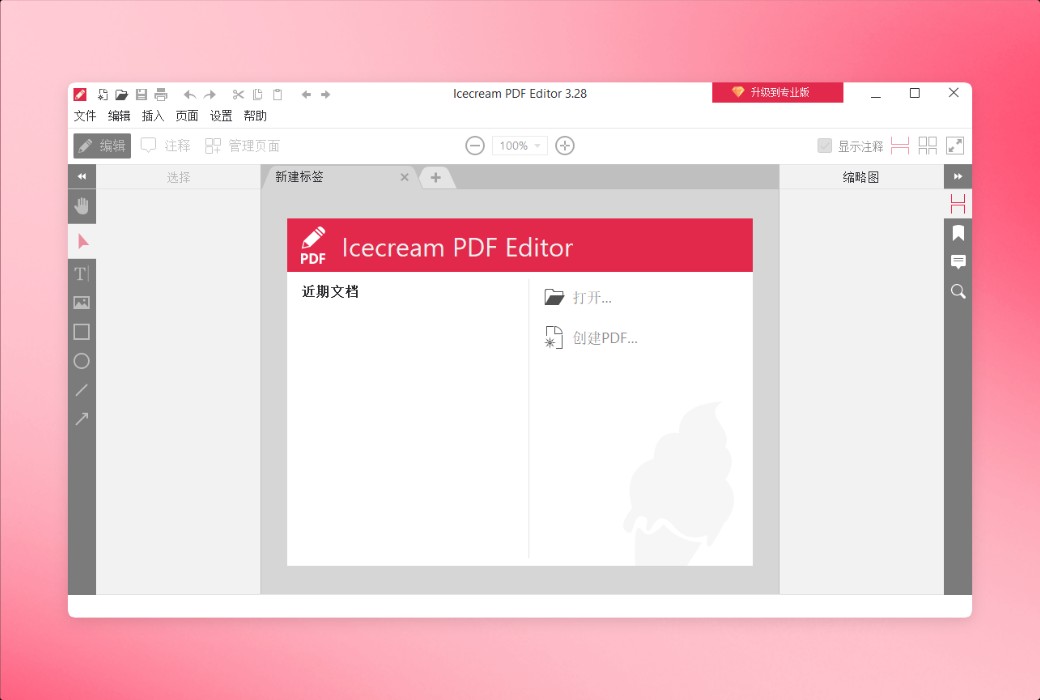


Quy tắc hoạt động
1、Thời gian hoạt động:{{ info.groupon.start_at }} ~ {{ info.groupon.end_at }}。
1、Thời gian hoạt động:Đến khi bán hết。
2、Thời hạn mua nhóm:{{ info.groupon.expire_days * 24 }}giờ。
3、Số người mua nhóm:{{ info.groupon.need_count }}người。
Lưu ý khi mua nhóm
1、Quy trình mua nhóm: Tham gia/Bắt đầu mua nhóm và thanh toán thành công - Số người mua nhóm đáp ứng yêu cầu trong thời hạn hiệu lực - Mua nhóm thành công!
2、Nếu không đủ số người tham gia trong thời hạn hiệu lực, việc mua nhóm sẽ thất bại, số tiền đã thanh toán sẽ được hoàn lại về tài khoản cũ.
3、Số người yêu cầu và thời gian hoạt động mua nhóm có thể khác nhau tùy sản phẩm, vui lòng xem kỹ quy tắc hoạt động.
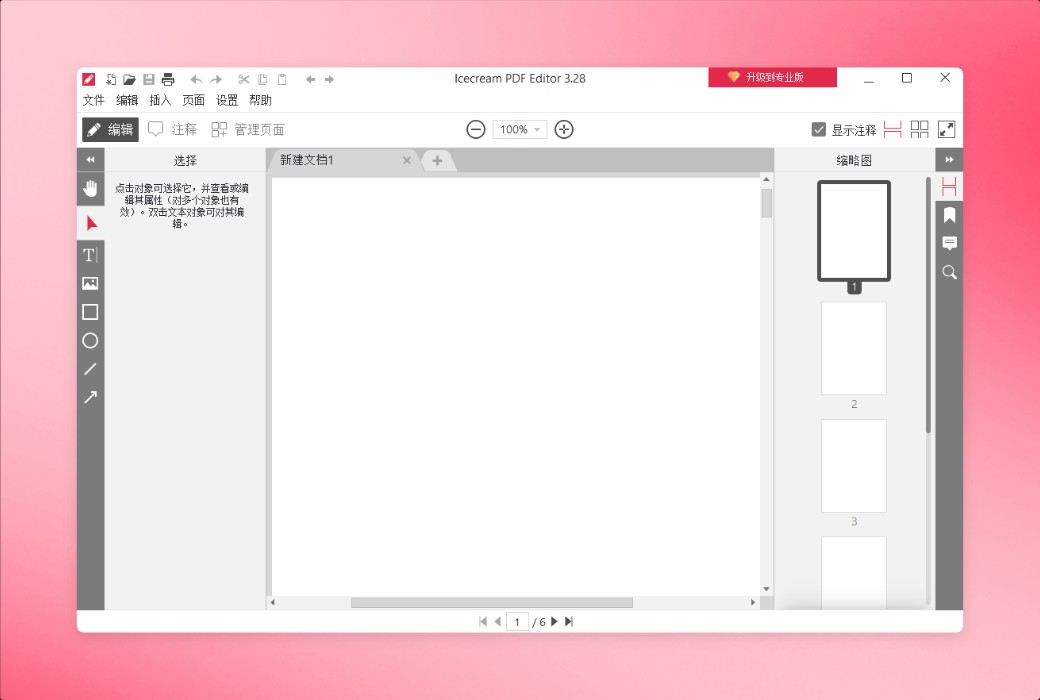
Trình chỉnh sửa PDF đơn giản - Dễ dàng chỉnh sửa tệp PDF trên Windows
Tải xuống phần mềm chỉnh sửa PDF dễ sử dụng này cho Windows. Dễ dàng xem, tạo, chỉnh sửa và quản lý các tệp PDF của bạn. Chỉnh sửa văn bản, hình ảnh và siêu dữ liệu, thêm chú thích, quản lý trang, hợp nhất các tệp PDF và hơn thế nữa.
Chức năng chính
Khám phá bộ chỉnh sửa PDF tất cả trong một tốt nhất từ Icecream Apps để chỉnh sửa tài liệu của bạn chính xác.
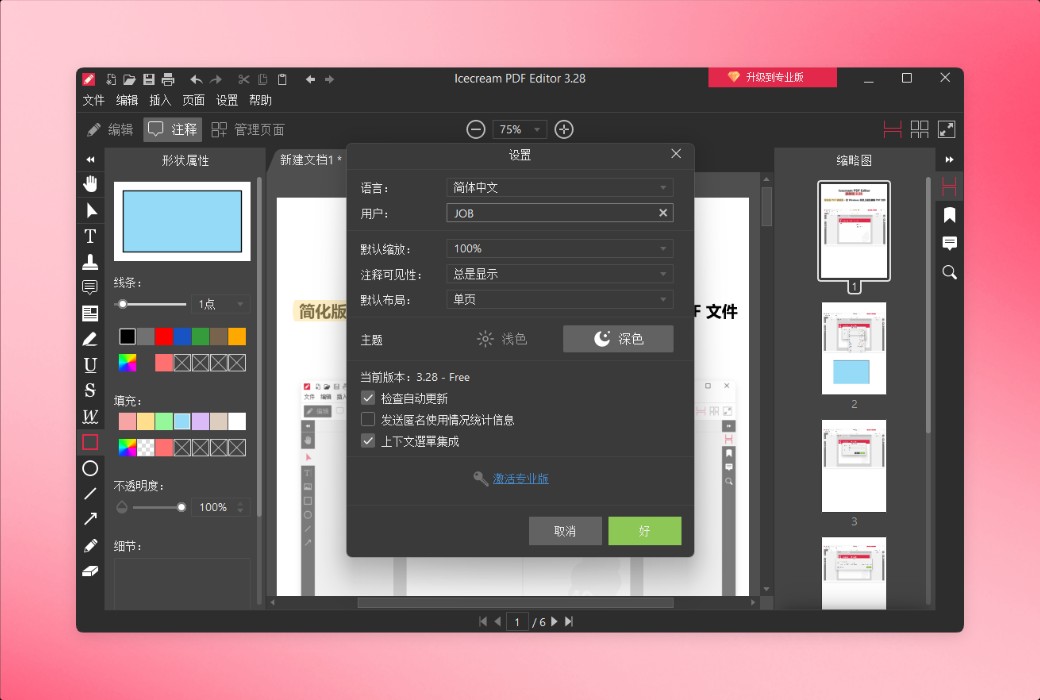
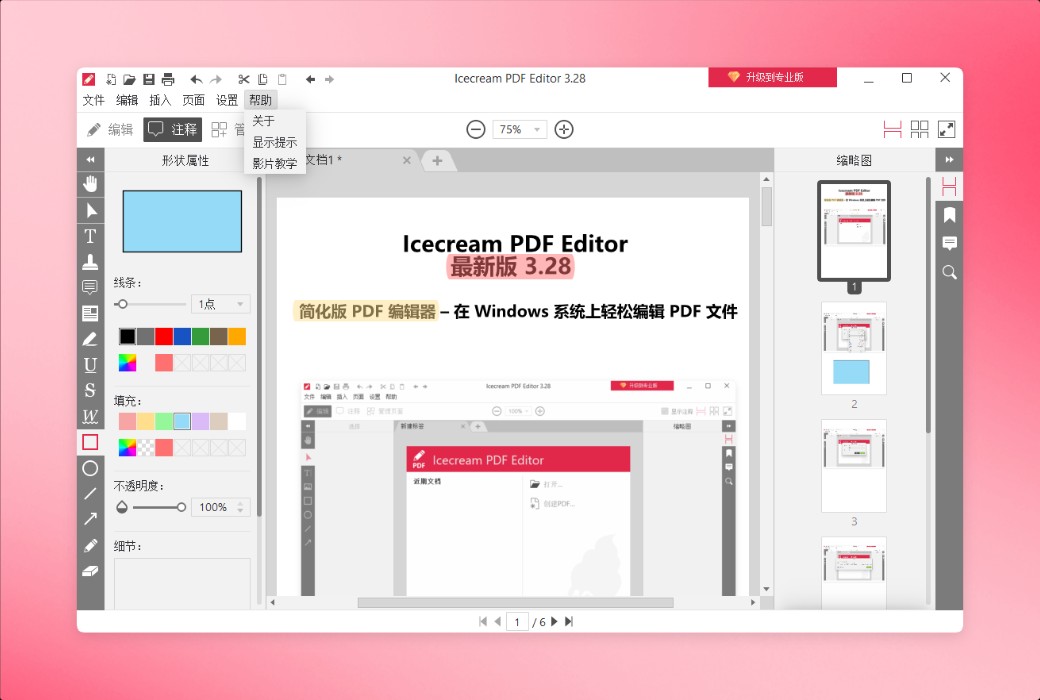
Sử dụng Icecream PDF Editor làm trình đọc PDF hàng ngày và chỉnh sửa hoặc chú thích tài liệu khi cần thiết. Giao diện trực quan của nó cung cấp cho người dùng một loạt các công cụ mạnh mẽ.
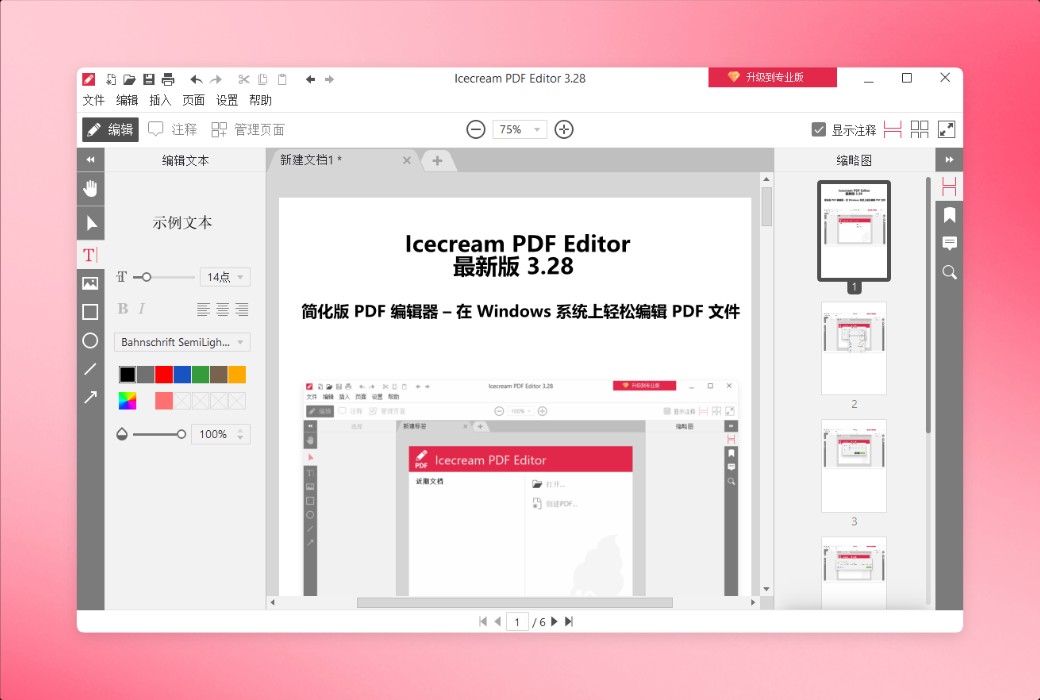
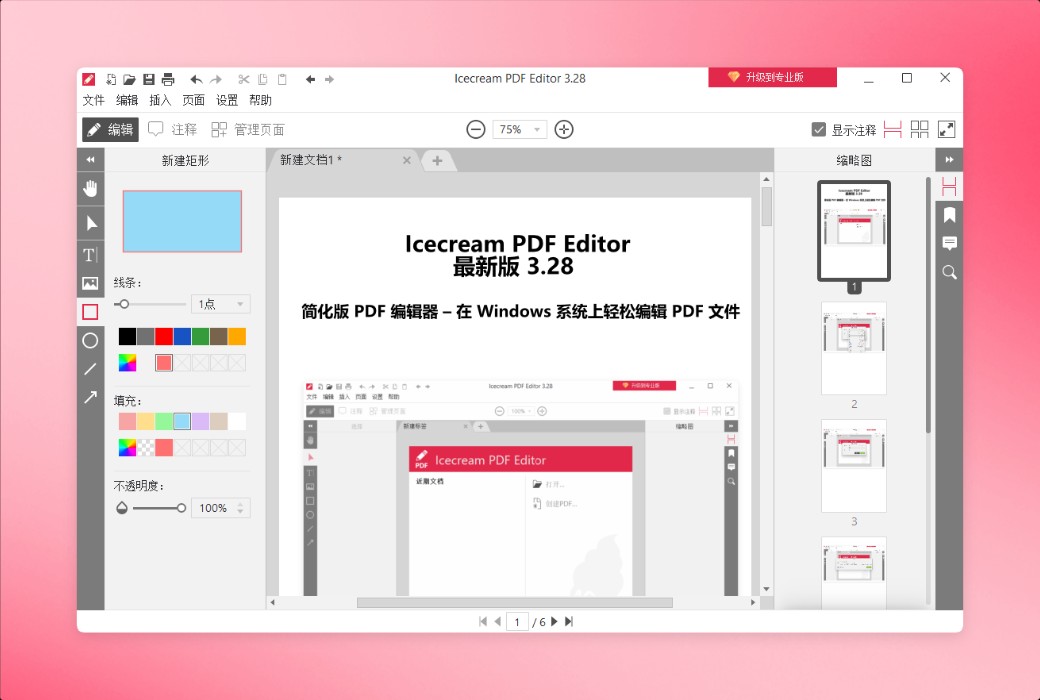
Hoàn hảo để chỉnh sửa tất cả các đối tượng PDF thường được sử dụng, bao gồm văn bản, hình ảnh và hình dạng. Thay đổi nội dung hoặc kiểu, thay đổi vị trí, kích thước, xoay và xóa các đối tượng.
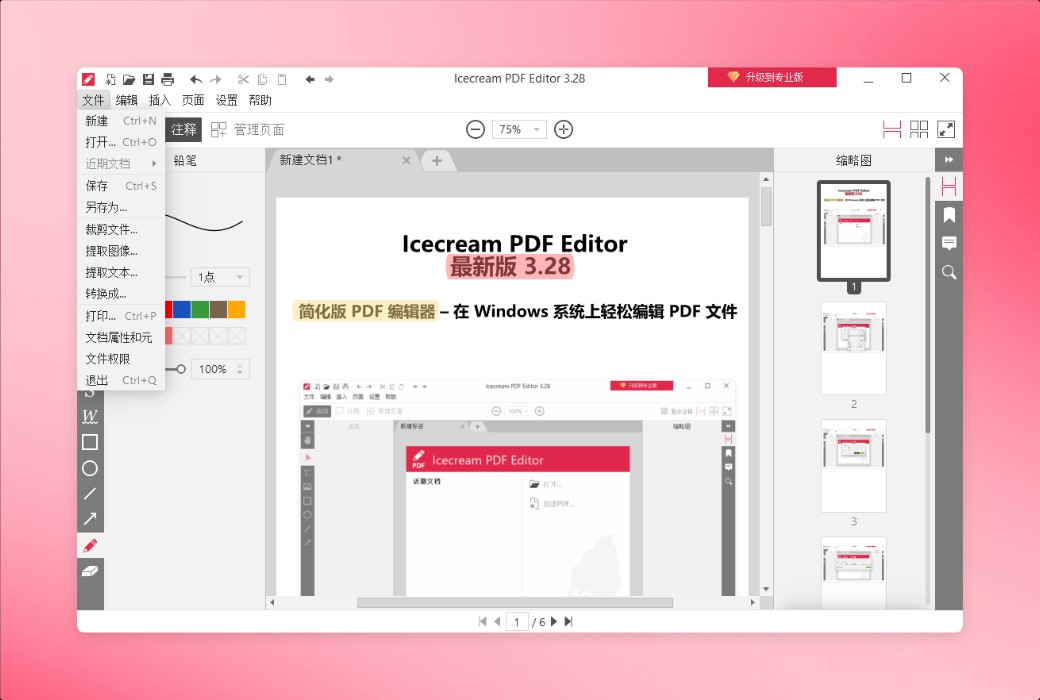
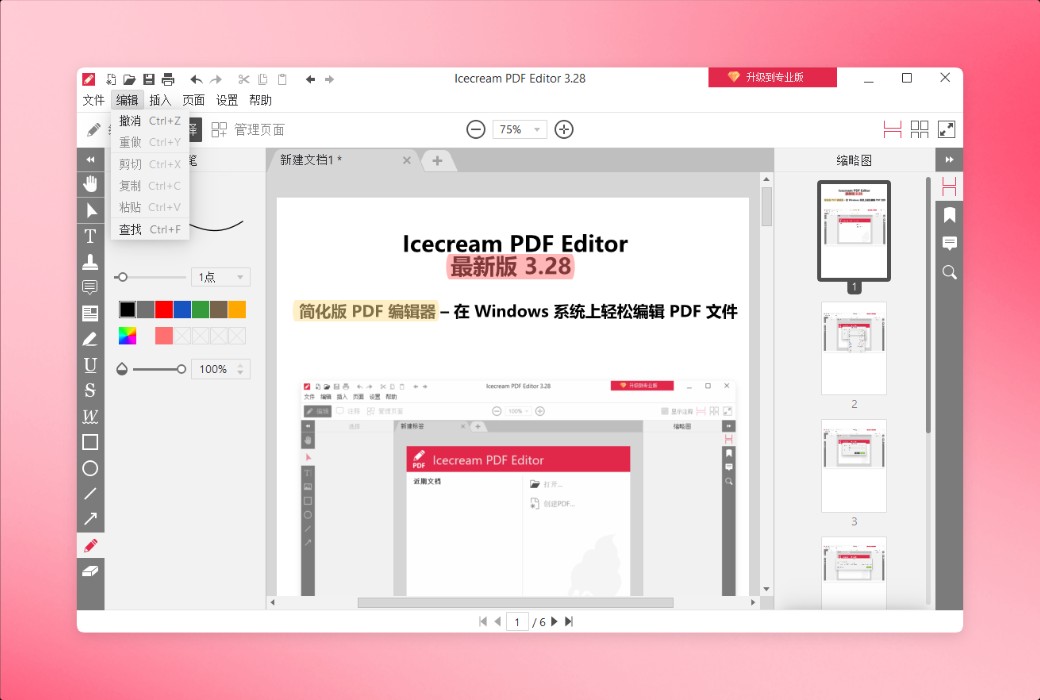
Icecream PDF Editor cung cấp bốn chế độ chỉnh sửa PDF chính: chỉnh sửa PDF, thêm chú thích, quản lý trang và điền vào biểu mẫu. Mỗi mô hình cung cấp một bộ công cụ cụ thể.
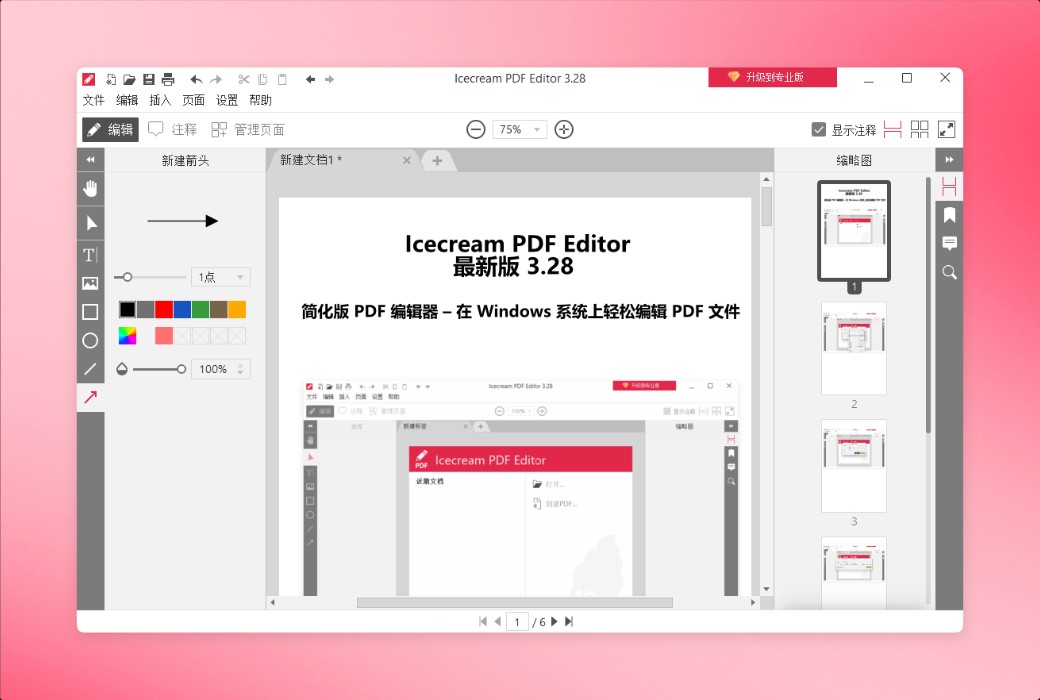
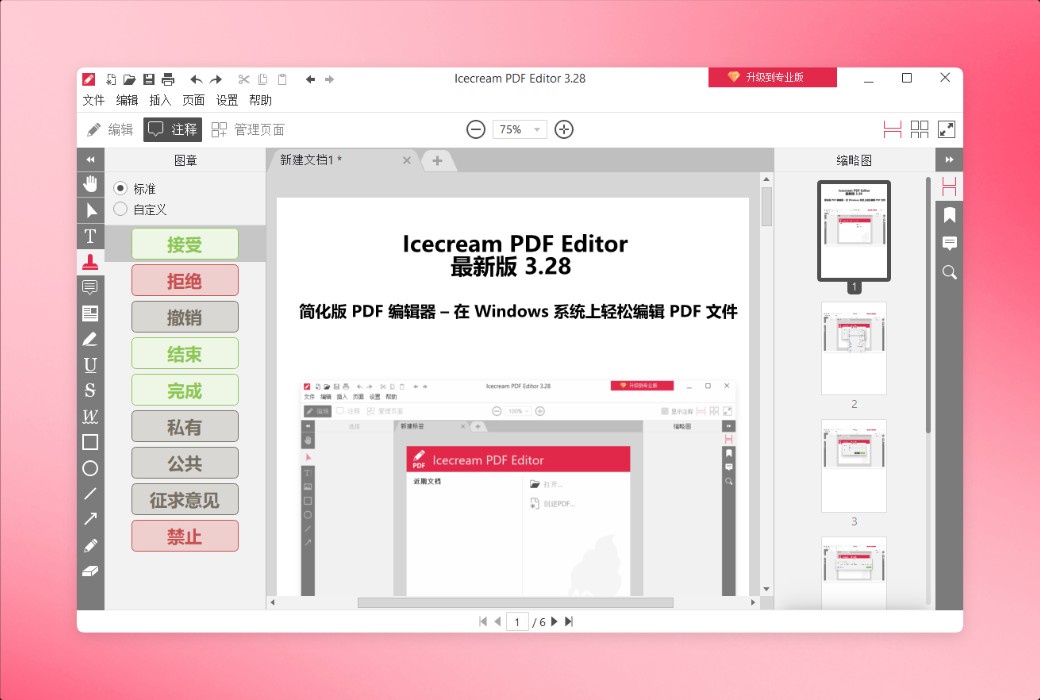
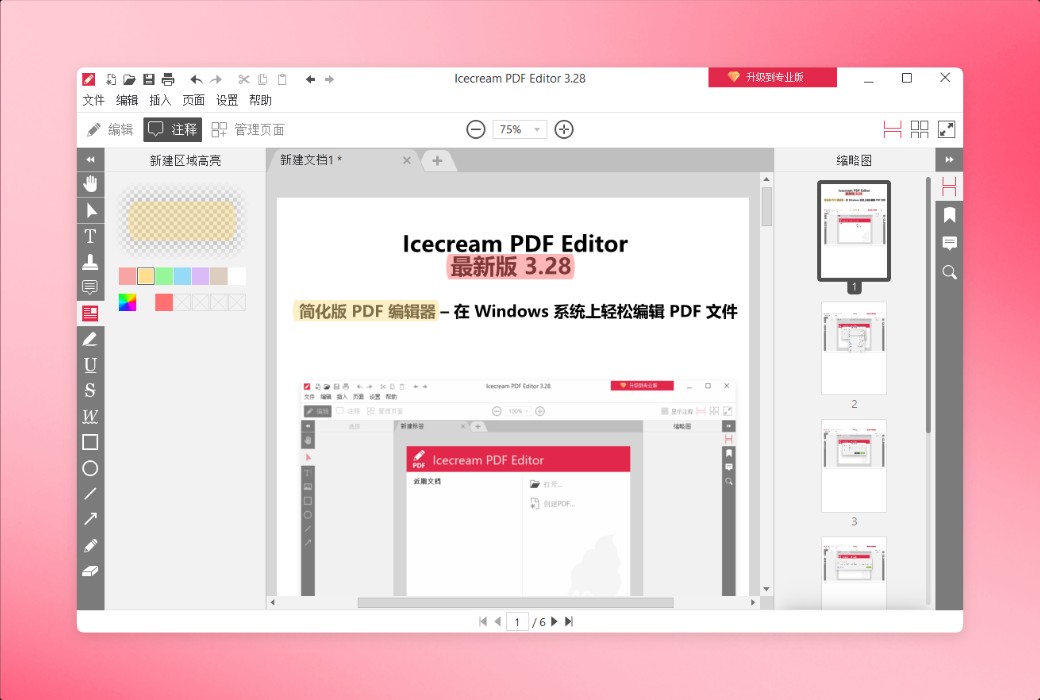
Thêm chú thích, con dấu, mũi tên, đường và hình dạng, loại bỏ các đường thẳng, gạch chân và làm nổi bật văn bản PDF, vẽ tự do, xóa thay đổi và nhiều hơn nữa.
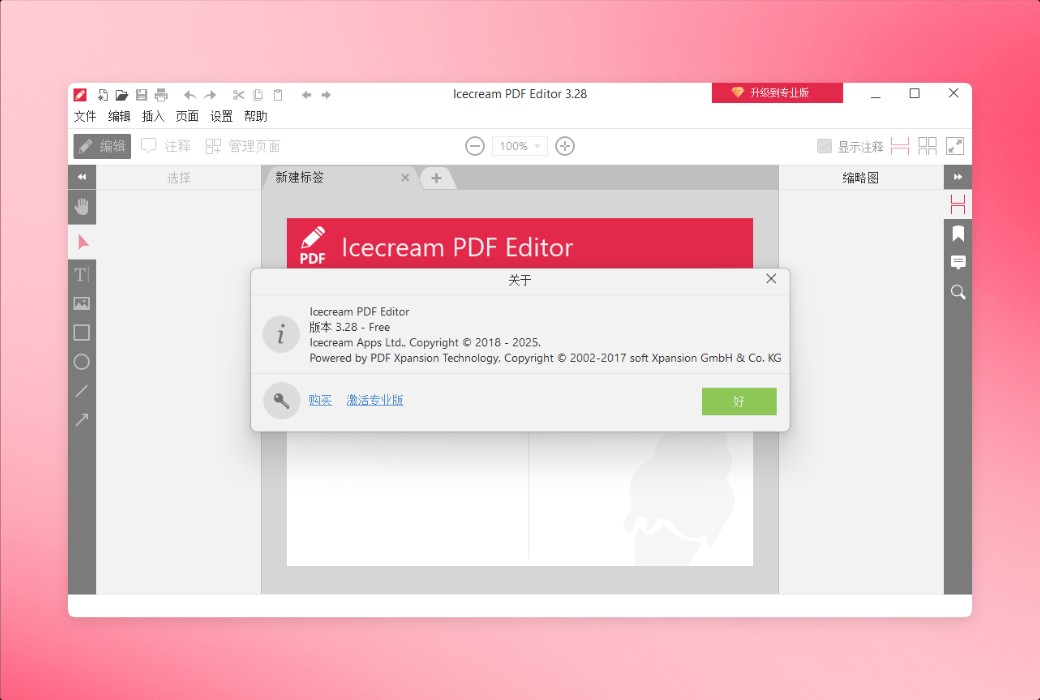
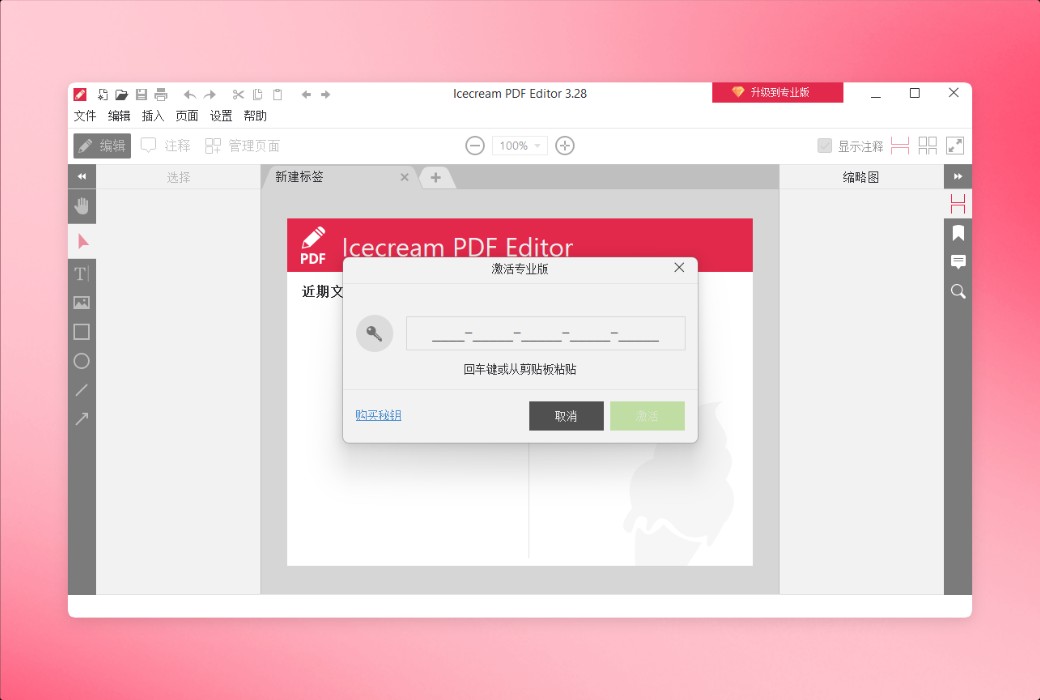
Phiên bản miễn phí của Icecream PDF Editor cung cấp hầu hết các tính năng chính, nhưng có một số hạn chế. Bạn có thể xem danh sách đầy đủ các tính năng của phiên bản Pro tại trang nâng cấp.
Đặc điểm chức năng
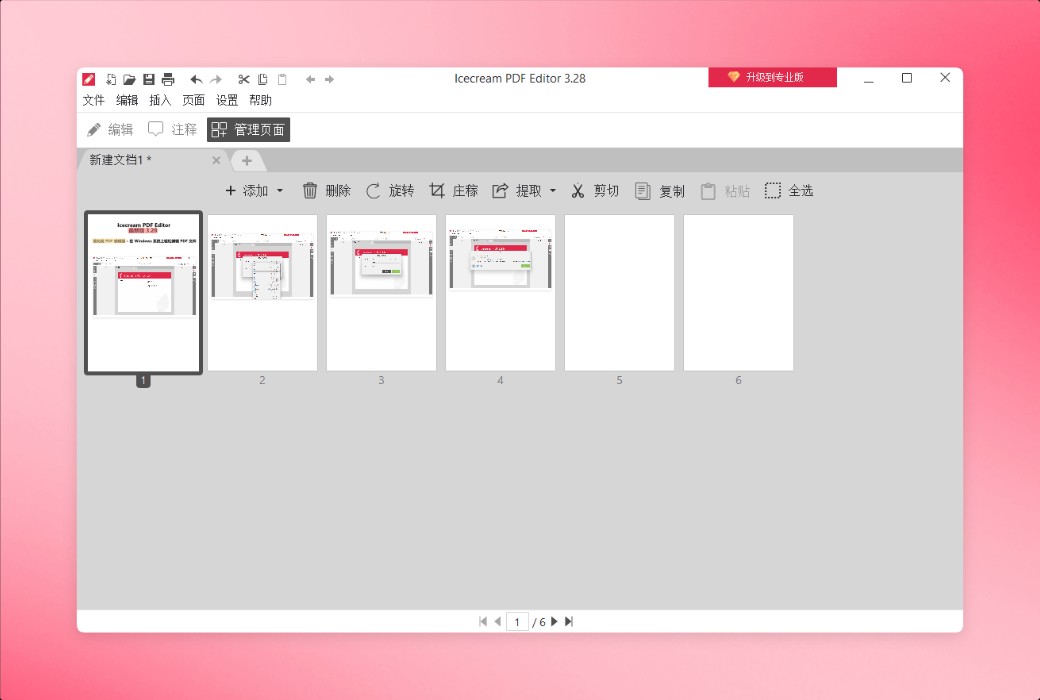
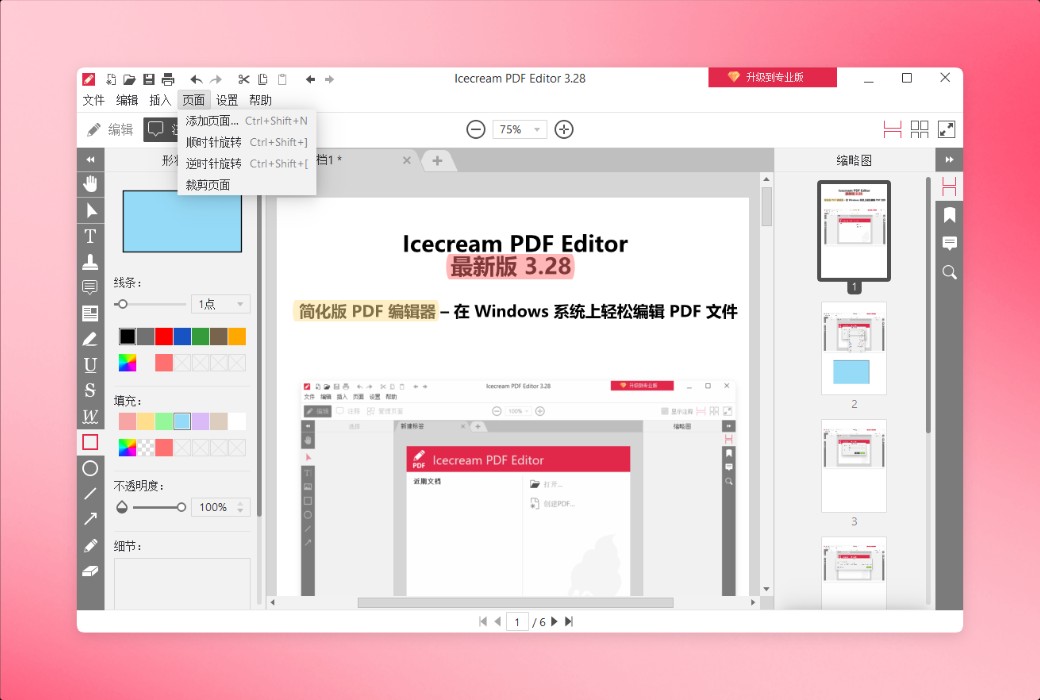
Trong chế độ quản trị trang, bạn có thể sắp xếp lại, xoay, xóa và thêm các trang mới. Bạn cũng có thể trích xuất các trang đã chọn vào một tệp PDF riêng biệt.
Sử dụng Icecream PDF Editor để xem và thay đổi tiêu đề, chủ đề, tác giả và các thông tin khác của tài liệu.
Trong chế độ Edit PDF hoặc Admin Pages, kết hợp nhiều tệp PDF thành một tài liệu duy nhất.
Thêm mật khẩu cho tài liệu chứa dữ liệu nhạy cảm hoặc khóa tệp PDF để ngăn chặn chỉnh sửa trái phép.
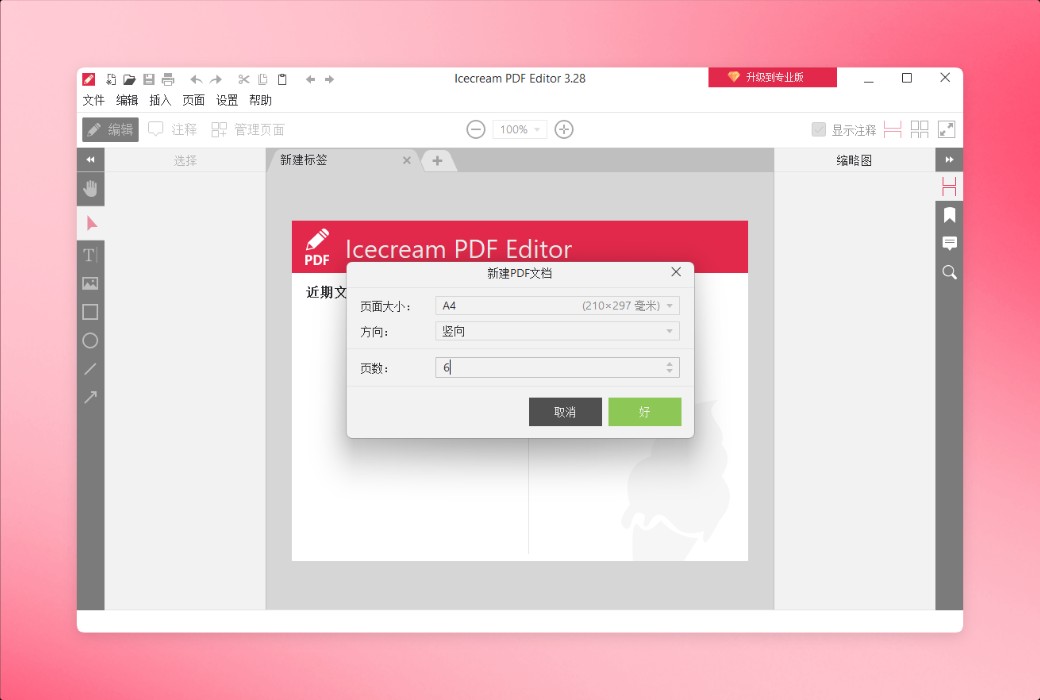
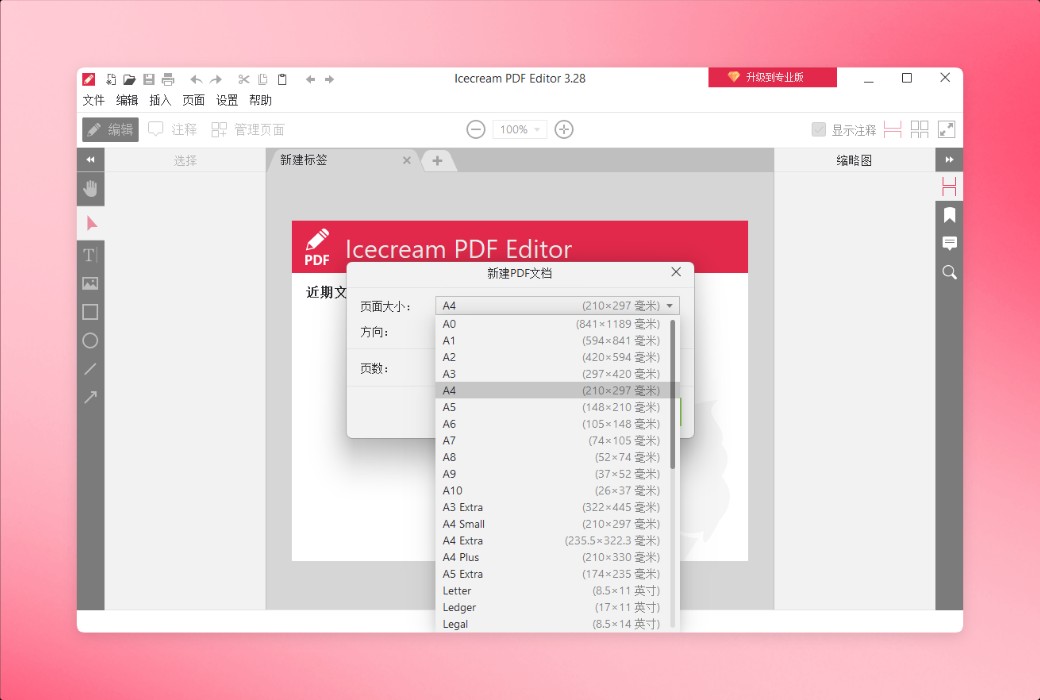
Dễ dàng tạo các tệp PDF mới từ đầu với Icecream PDF Editor PC. Đặt kích thước và hướng trang bạn muốn.
Tìm kiếm nhanh các tệp PDF dài trước khi chỉnh sửa. Icecream PDF Editor sẽ tìm và làm nổi bật văn bản được chỉ định trong tài liệu.
Cắt các trang riêng lẻ hoặc toàn bộ tài liệu, loại bỏ nội dung không mong muốn chỉ với một vài cú nhấp chuột.
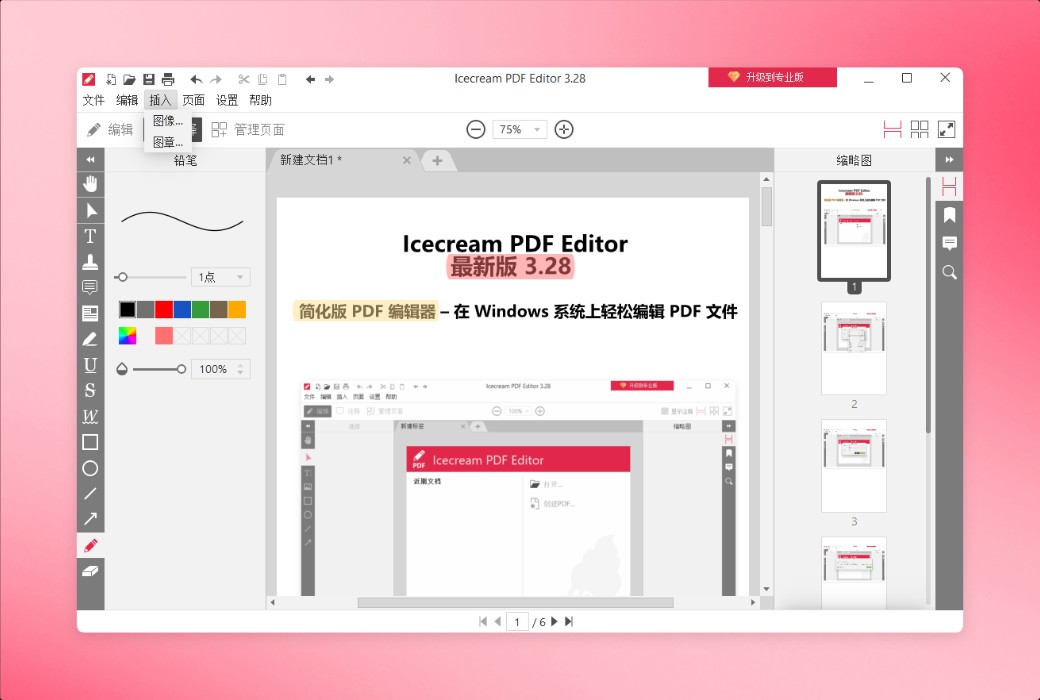
Dễ dàng chuyển đổi các trang PDF thành hình ảnh hoặc tích hợp hình ảnh liền mạch vào tài liệu của bạn như một trang mới. Trình chỉnh sửa PDF của chúng tôi hỗ trợ nhiều định dạng đầu ra, bao gồm JPG và PNG.
Bạn có thể trích xuất nội dung tệp PDF dưới dạng văn bản thuần túy mà không cần sao chép dán thủ công.
Lưu tất cả các hình ảnh trong tài liệu của bạn theo định dạng bạn muốn. Icecream PDF Editor hỗ trợ các định dạng JPG, JPEG, PNG, WebP, TIFF và BMP.
Trang web chính thức:https://icecreamapps.com/PDF-Editor/
Trung tâm tải xuống:https://icecream-pdf-editor.apsgo.cn
Thời gian vận chuyển:Xử lý vận chuyển trực tuyến thủ công
Chạy nền tảng:Windows
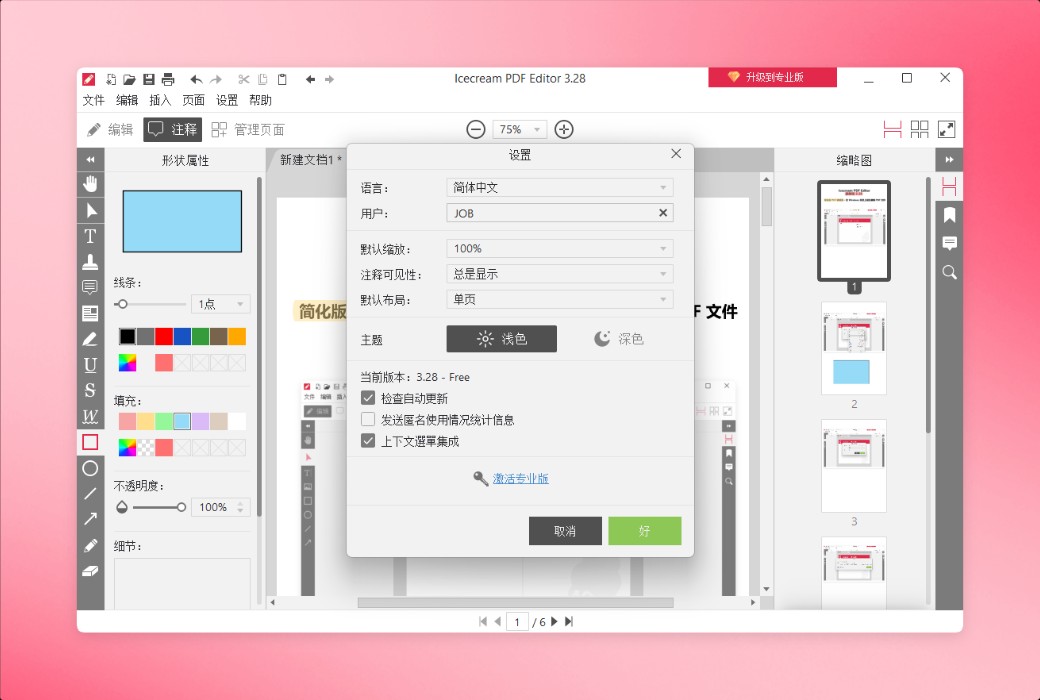
Ngôn ngữ giao diện:Hỗ trợ hiển thị giao diện tiếng Trung, đa ngôn ngữ là tùy chọn.
Hướng dẫn cập nhật:Được sử dụng và cập nhật trong thời gian đăng ký.
Dùng thử trước khi mua:Dùng thử miễn phí trước khi mua.
Cách nhận hàng:Sau khi mua, thông tin kích hoạt được gửi dưới dạng thư đến hộp thư khi đặt hàng và mã kích hoạt sản phẩm tương ứng có thể được xem trong Trung tâm Cá nhân, Đơn đặt hàng của tôi.
Số lượng thiết bị:1 máy tính có thể được cài đặt.
Thay thế máy tính:Cần liên hệ với chính thức chuyển nhượng thủ công.
Kích hoạt Boot:Để được thêm vào.
Mô tả đặc biệt:Để được thêm vào.
Tài liệu tham khảo:https://icecreamapps.com/PDF-Editor/

Đàm phán hợp tác